
 Welcome!
In this course, you will learn the essential skills required to confidently manage Customer Accounts using Minfos software.
This learning pathway has been designed to support Customer Accounts Officers, Retail Managers, Stock Controllers, and any team members involved in setting up, maintaining, or reconciling customer accounts. It’s also a great resource for team members who may be asked to step into these responsibilities.
Divided into digestible topics, each module may include written materials and video demonstrations. Handy links that you may wish to save and refer back to later are also highlighted.
If you'd like to complete the full learning pathway and receive a Certificate of Completion, we recommend accessing our Learning Pathway collection, ensure you fill in the form!
Customer Account Management Essentials Learning Pathway
Simply enter your email address, wait for your verification code to arrive and enter the code to gain access.
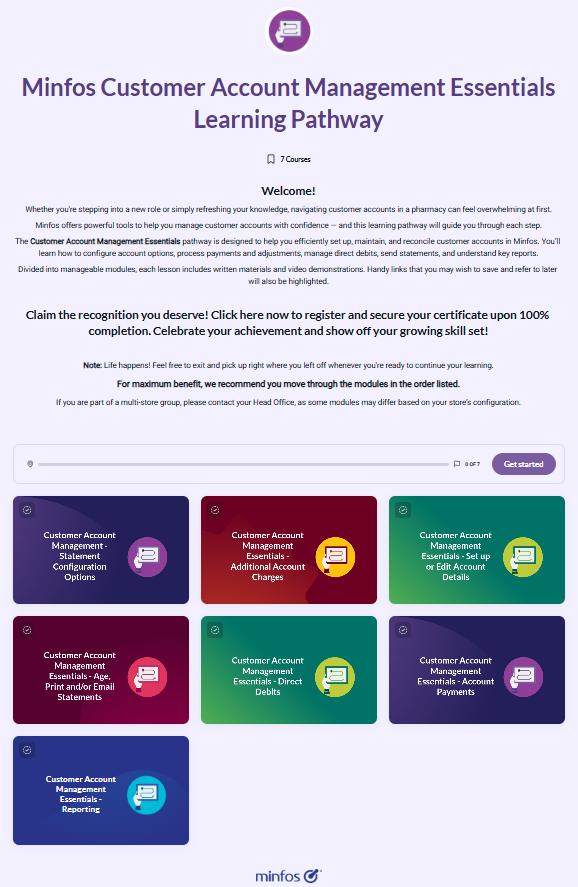 Or, if you'd like to take your own learning journey, simply click the relevant topic(s) below.
Module 1 - Statement Configuration Options
Learn about Customer Account and Statement configurations in Minfos. This topic will cover:
- Statement Configuration options
- Updating your Invoice/Statement format, including adding back details to statements
Module 2 - Additional Account Charges
Learn how to configure Automatic Additional Account Charges. In this topic, you will learn how to:
- Create a service-type stock card
- Configure Automatic Additional Account Charges
- Apply an Additional Charge to an account customer
- Run the Additional Account Charges Report
- Understand the basics of auto‑invoicing for care facilities
- Explore options for charging interest or flat fees on overdue accounts
Module 3 - Set up or Edit Account Details
Learn how to set up and maintain Customer Account details in Minfos. In this topic, you will learn how to:
- Set up a new Customer Account or edit existing Account details
- Link a customer to an Account
- Navigate and understand the Customer Enquiry screen
Module 4 - Age, print and/or email Statements
In this module, you’ll learn how to:
- Manually age statements (only needed if automatic ageing is not enabled)
- Undo statement ageing if you need to reverse the process
- Print customer statements
- Manually email statements (optional when automatic emailing is configured)
- Print or email interim statements
Module 5 - Direct Debits
In this module, you’ll learn how to:
- Enable Direct Debit for your pharmacy - a one‑time setup step
- Configure individual customers for Direct Debit payments
- Generate Direct Debit files that can be uploaded to your bank or third‑party processing software
- Reconcile Direct Debit payments after they have been processed
Module 6 - Account Payments
In this module you’ll learn:
- How to process an account payment at the till
- How to use the Account Payment Reconciliation window to mark accounts as paid in bulk e.g. where a customer transfers money to your back account to pay their account
- How to make an account adjustment
- About the Customer Account Enquiry window
- How to transfer a transaction between customer accounts
- Write off a customer account as bad debt at the till
Module 7 - Reporting
In this module you will learn how to:
- Run a Debtors report
- Run an Aged Debtors report
- Run an Exceeded Credit Limit report
- Use the Customer Enquiry screen to view/print lists of customers
- Run the Customer Account Audit report
Ready to get started? Click here to proceed to the Customer Account Management Essentials Learning Pathway.
Track your progress
If you are taking your own learning journey, we recommend you print or save the attached checklist to keep track of your training progress.