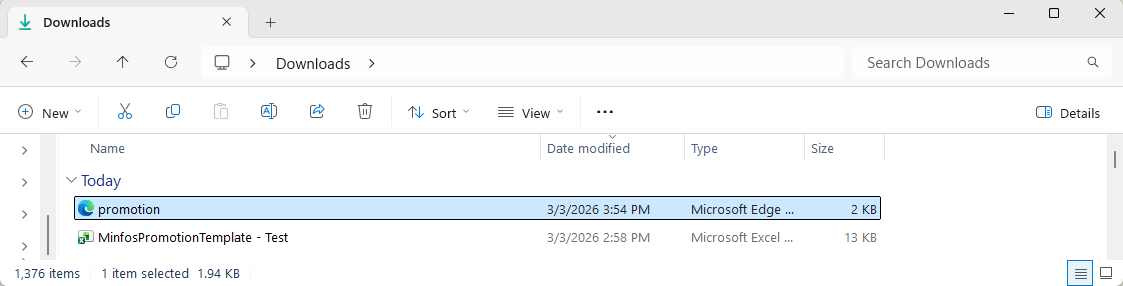
Promotion files that have been created with the Minfos Excel promotion template (refer to Create a promotion using Excel promotion template can be converted to XML format in Minfos. The XML format file can then be shared for easy importing at other Minfos pharmacies.
- Ensure you have saved the promotion created with the Minfos Excel promotion template to your local computer or network.
- Navigate to the Promotions module.
- Click Functions and select 4. Export Excel Promotion to XML.
The Export Excel Promotion to XML window is displayed.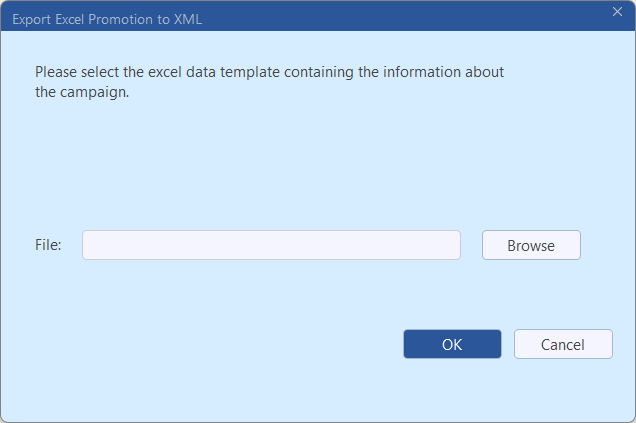
- Click Browse.
The Open window is displayed.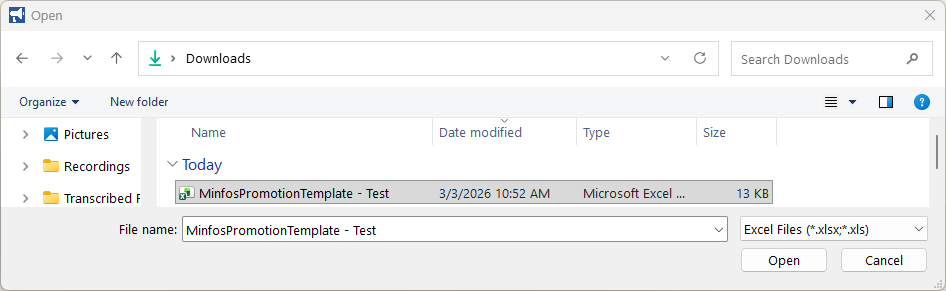
- Navigate to where you have saved the Excel format promotion file.
- Select the promotion file and click Open.
The Export Excel promotion to XML window is redisplayed. The File path is updated.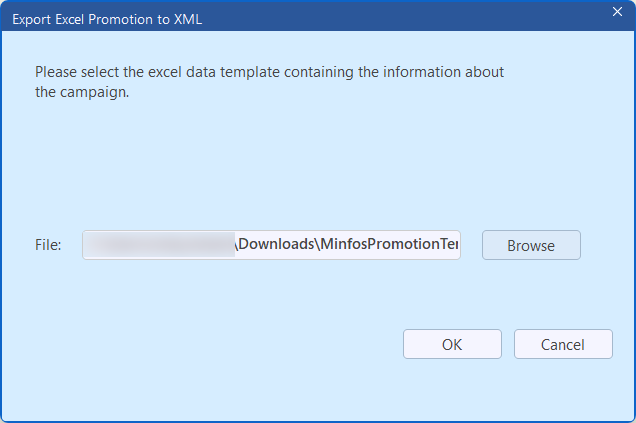
- Click OK.
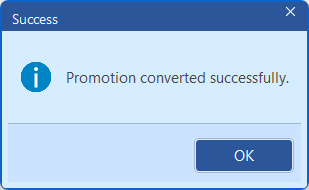
The promotion file is converted from Excel to XML format and the Success prompt is displayed.
Note Refer to Troubleshoot errors displayed when importing or converting an Excel format promotion for guidance if any error message is displayed.
- Click OK.
- Navigate to the folder where the Excel format promotion file was saved. The XML format promotion file is exported to the same location.