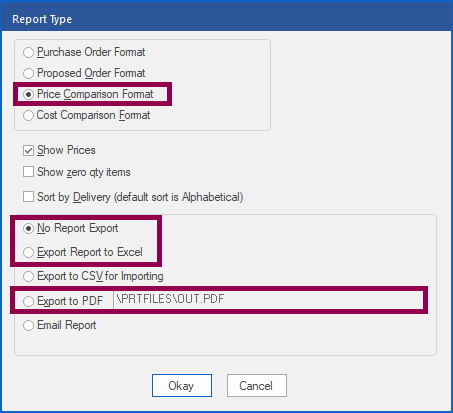
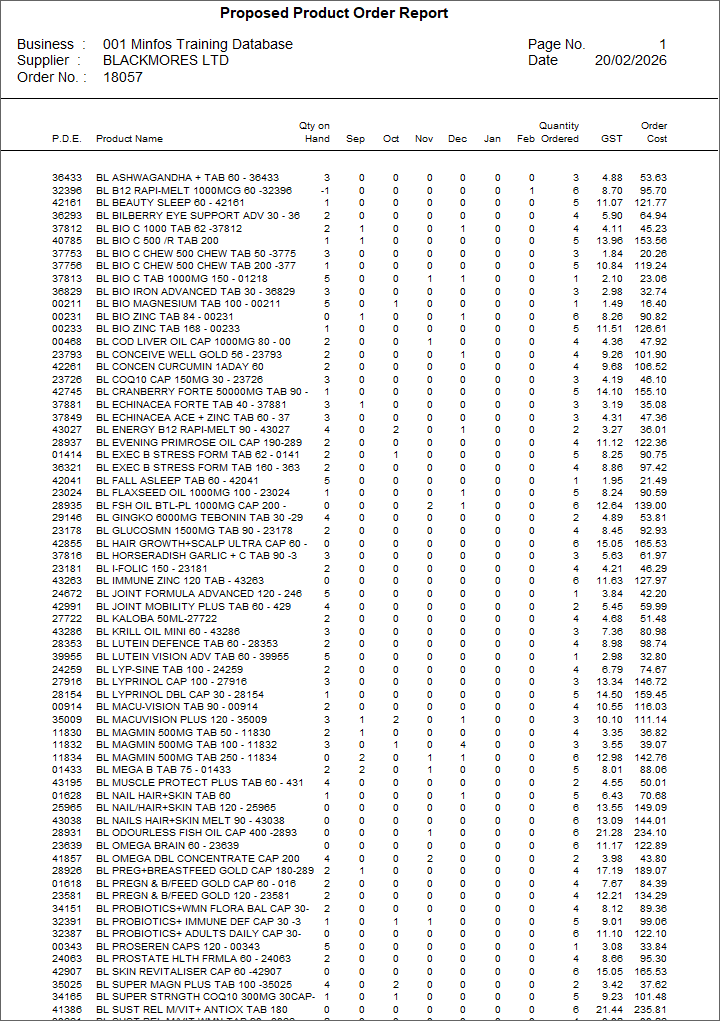
When you are expecting a visit from a supplier sales representative, it is good to prepare a draft order ahead of time and print it in the proposed order format.
The proposed order format includes your recent monthly sales history for each product. Having this data on hand can be helpful when considering discounts and deals that may be offered by sales representatives.
Video Demonstration
Step by Step Instructions
From Order Maintenance:
1. Highlight your reviewed order and click Print.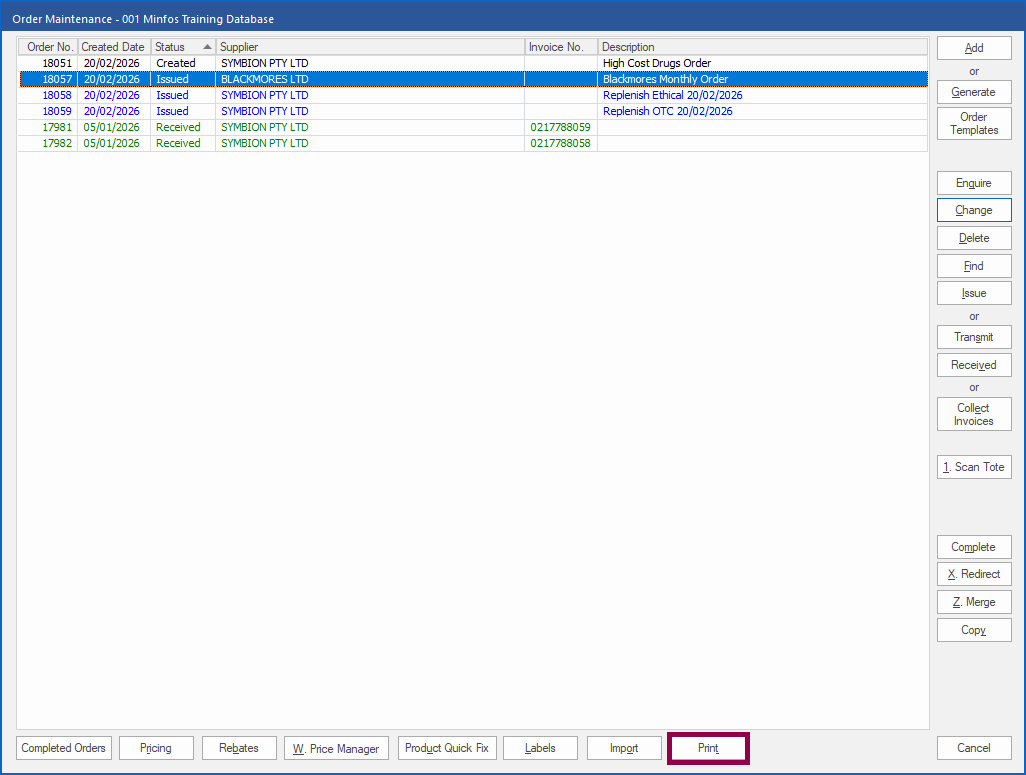 The Report Type window is displayed.
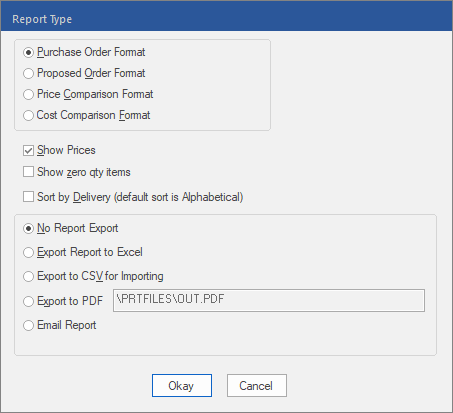 2. Select the Proposed Order Format radio box.
3. To print the report, leave No Report Export selected and click Okay, and then click Print. Or,
4. To export the report, select Export Report to Excel or Export to PDF and click Okay.