
 Welcome!
The Minfos Till Management learning pathway is designed to provide you with the knowledge required to complete tasks in Minfos that are commonly performed by pharmacy managers or supervisors.
Divided into manageable topics, each lesson or segment includes written materials and video demonstrations. Handy links that you may wish to save and refer to later will also be highlighted.
If you haven't already, please review the Sales Clerk Essentials learning pathway materials before continuing with the Till Management pathway.
If you'd like to complete the full learning pathway and receive a Certificate of Completion, we recommend accessing our Learning Pathway collection, ensure you fill in the form!
Till Management Learning Pathway
Simply enter your email address, wait for your verification code to arrive and enter the code to gain access. 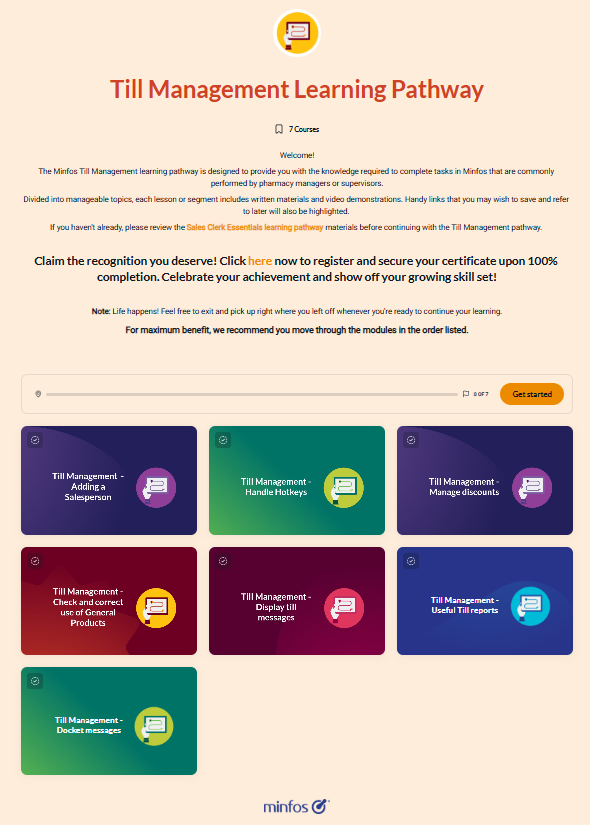
Or, if you'd like to take your own learning journey, simply click the relevant module(s) below.
Module 1 - Add a Salesperson
Learn how to:
- Add a Salesperson and select the Till functions they can perform
Module 2 - Handle hotkeys
Learn more about hotkeys at the Till in this topic.
This topic will demonstrate how to:
- create hotkeys
- edit hotkeys
- remove hotkeys
Module 3 - Manage discounts
This topic will show you the tools to help you manage discounting more efficiently.
Learn how to:
- set up and charge reportable discounts
- run the Reportable Discounts report
- change the quick discount keys on the Till
Module 4 - Check & correct use of General Products
This topic will show you how to monitor for and correct instances where General Products have been sold in the pharmacy.
This topic will demonstrate how to:
- check the usage of General Products
- correct the product that did not scan
- correct the sale containing the General Product
Module 5 - Display till messages
Learn to use Till Messages to send a communication or reminder to staff each time they use the Till.
This topic will demonstrate how to:
- set up a message to display to staff at the Till
- edit or disable the message as required
Module 6 - Useful Till reports
This topic will cover Till reports that are useful for managers or supervisors.
Learn in what situations and how to run the:
- Till Summary report
- Previous Takings report
- Till Exceptions report
Module 7 - Docket messages
Learn to change the message displayed on your Till dockets to communicate with your customers.
This topic will demonstrate how to:
- add and update your Till docket message